Modern Adobe InDesign Replacement
The Challenge
Adobe InDesign is trash. There, I said it.
It is unstable and riddled with bugs. Most power users advise everyone to stay one version behind the latest version, as the latest version is always so terrible that anyone using it are considered unwitting beta testers.
It performs poorly, freezes and crashes often.
The interface is overloaded with tools and options that have become obsolete in modern software (there's a "rotate" tool, that you can click on in the toolbar to then... rotate objects.)
Worst of all, there is no live, online collaboration functionality. If multiple people need to work on a document, they need to download....
The people who love and defend it still have been using it for over a decade. Many of them had switched from Quark which was even worse.
Problems
- no live collaboration
- no ability to comment in the file
- images and fonts have to be "linked" to the file locally - if you share just the file, the recipient better have the exact font versions you used, and they won't have high-quality images.
What I Did
- Conducted field research and stakeholder interviews across 12+ roles
- Mapped stakeholders and defined user roles across multiple organizations
- Built user permission matrices for both platforms
- Wrote user stories and test cases organized by job title
- Developed training manuals and quick-start guides for frontline staff
- Facilitated workflow design sessions with the software vendor's engineers
- Documented compliance and reporting workflows for system configuration
The Result
The platform went live on schedule in August 2025 and has since managed 140,000+ flights with zero allocation conflicts.
Focus Areas
- UX Research & Field Observation
- Stakeholder Mapping & User Role Analysis
- User Stories & Test Case Authorship
- User Permission Matrix
- Technical Documentation & UX Writing
- Training Material Development
Tools
- Miro
- ChatGPT
- Excel
- Microsoft Lists
- PowerPoint
- Proprietary Resource Management System
Project Overview
I supported the implementation of a next-generation airport operations platform at one of the most "well-traveled" airports in the world (a former airport manager told me you don't want to say "busiest," because you don't want to known as the busiest DMV office.)
The engagement ran from February through May 2025, spanning five onsite visits and dozens of stakeholder sessions across the slot management organization and the airport's many stakeholder organizations.
The slot management firm overseeing gate assignments, airline schedules, and day-of terminal operations needed to replace its legacy operations platform with a modern, cloud-native suite covering flight scheduling, gate and resource management, and real-time data across every terminal. They had been using a clunky legacy system that had shaped how its team thought about their own workflows for years. Baggage allocation was handled in Excel. Processes the new platform could automate had become deeply embedded manual habits. The airport scheduling coordinator had created 70+ rules in the system as workarounds. Adopting the new platform meant rethinking processes that had been shaped by the limitations of the old system for years.
The implementation was part of a broader airport modernization initiative, and the timeline was tight. Getting it right required more than technical configuration. It required someone embedded in the operation, talking to the people who would actually use the software every day.
My role was to bridge that gap. Working alongside an aviation consulting team and the software vendor, I spent five months embedded in the operation, shadowing staff, interviewing stakeholders across more than a dozen roles, mapping user permissions, and building the documentation and training materials that would need to work the first time, in a live operational environment.
The Work
The research started before getting onsite. I used ChatGPT and Gemini to research and document how airport slot management works and to create a glossary of common terms and acronyms in the industry. I pulled job post descriptions from the slot management firm's website and from existing employee's LinkedIn profiles to create initial user personas and get an understanding of what they do.
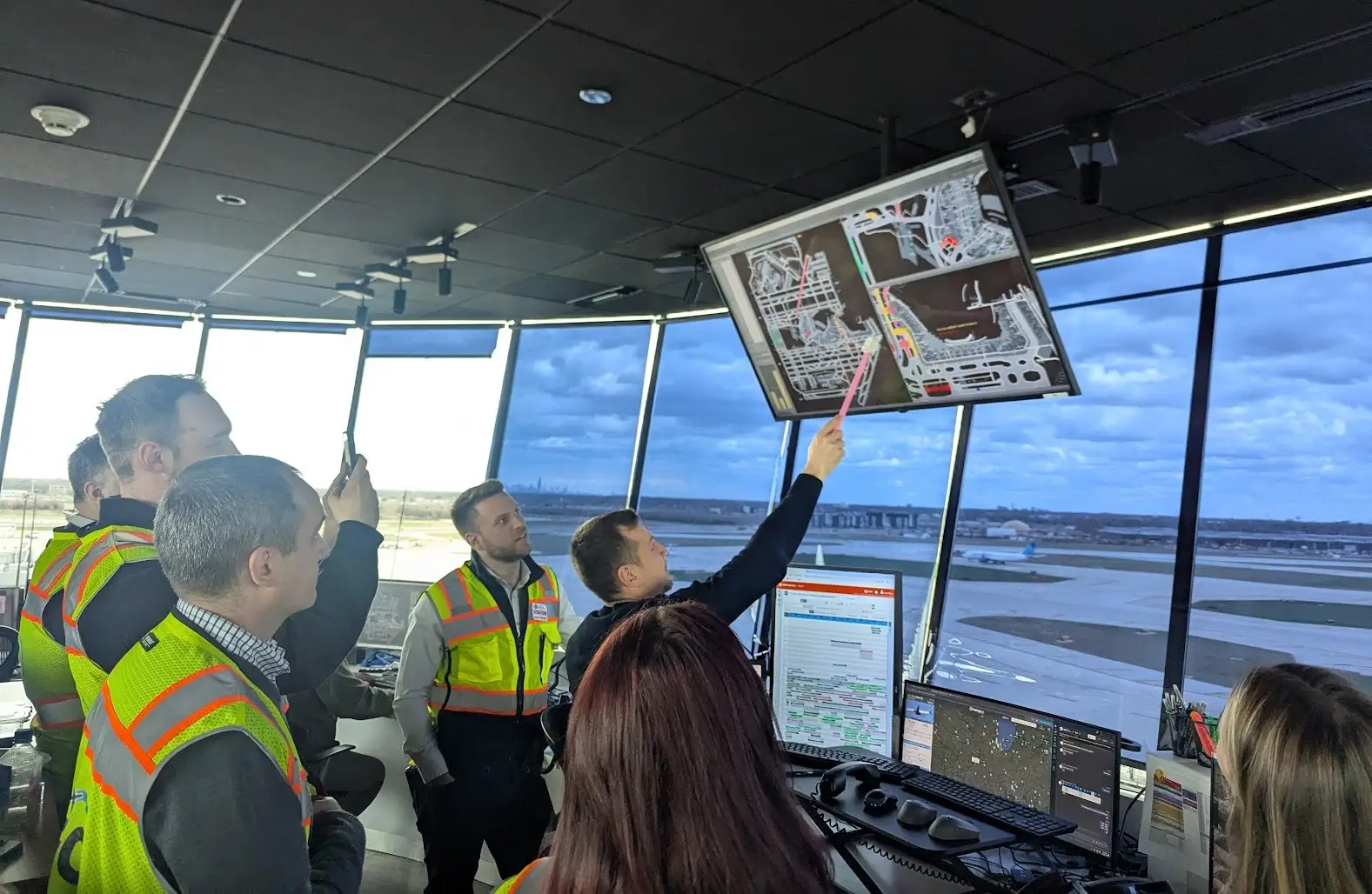
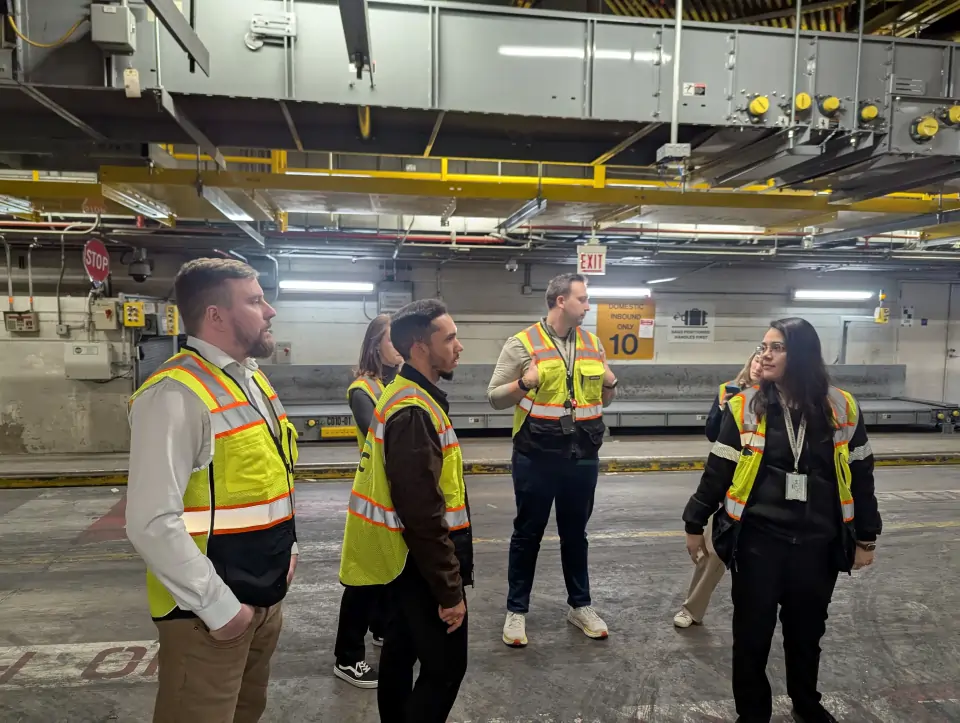
Once onsite at the airport, I shadowed the scheduling team, went up in the tower to observe day-of operations and the issues they faced, and met with the Ancillary Space Coordinator, Facilities Manager, Compliance Analyst, and Operations leadership. Each role had a distinct relationship with the data and a different tolerance for the gap between what the system said and what was happening in reality.
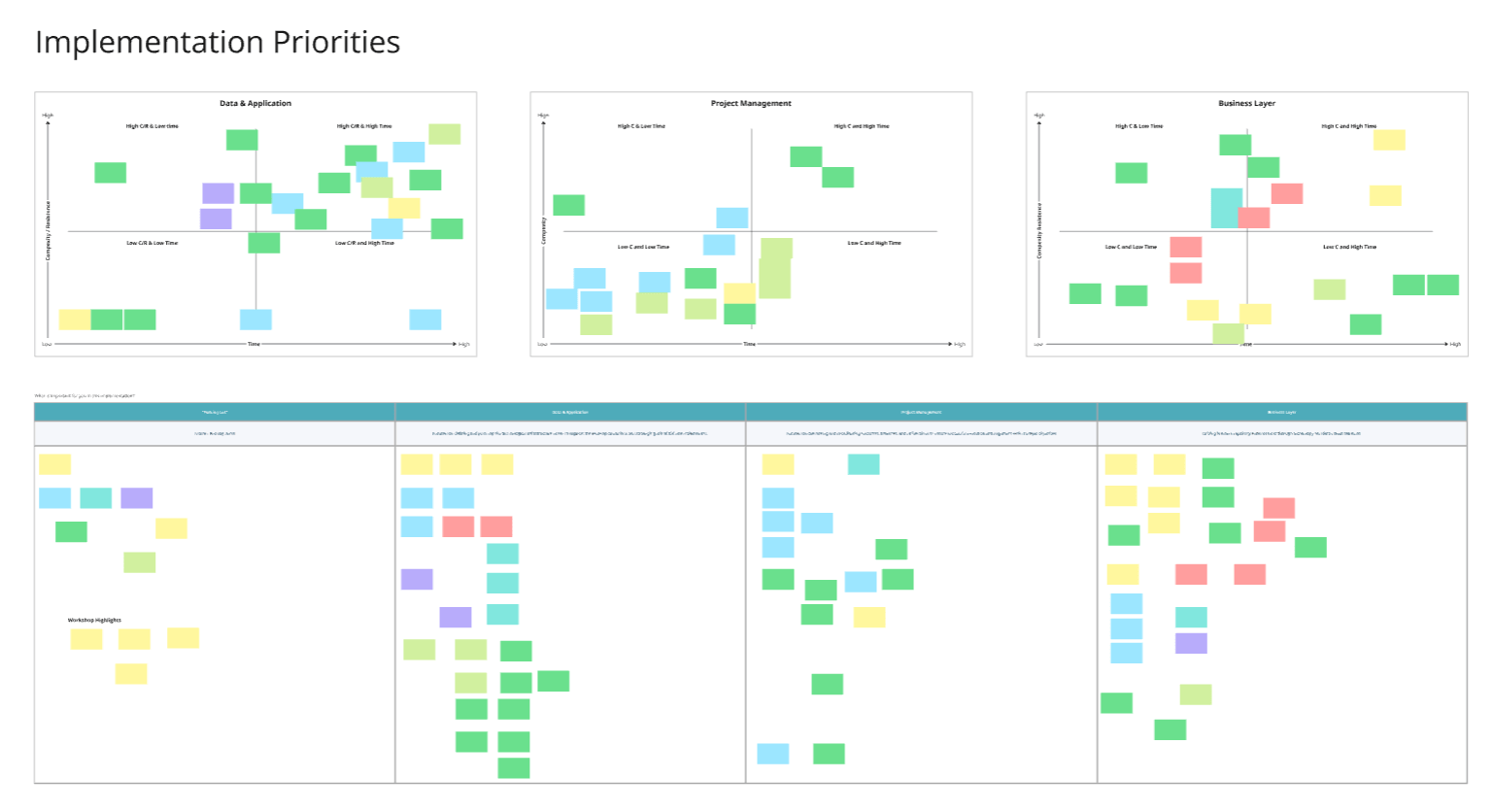
From that research and several workshops, I built stakeholder maps and user role definitions covering the slot management firm's employees and multiple airport authority groups. That segmentation fed directly into the user permission matrices I developed for both platforms, working with the client to decide how many distinct roles the airport needed and exactly what each one could see and do. It's one of those deliverables that looks like a spreadsheet but is really the output of weeks of research.
My contributions included:
Stakeholder mapping and user role analysis across the slot management firm and airport departments
User permission matrix development for both the AODB and RMS
User story and test case authorship organized by job title
- Field observation across scheduling, tower operations, and ancillary space management
- Compliance and reporting documentation
- User manuals, quick-start guides, and training materials for both platforms